


Landing in Beijing without the right apps feels like arriving in a foreign country without knowing the language. Because in many ways, you are. China operates on a completely different digital ecosystem than the rest of the world. Your credit card won’t work in most places. Google Maps can’t find the nearest subway station. And that coffee shop only accepts mobile payments you’ve never heard of.
This isn’t a minor inconvenience. It’s a complete barrier to basic daily activities. Over sixty percent of transactions in Beijing happen through mobile payment apps. Cash is increasingly refused at restaurants, shops, and even street vendors. Without the proper digital setup, you’ll struggle to buy metro tickets, order food, or book a taxi.
But here’s the good news. You can solve ninety percent of these challenges before your flight even takes off. This guide walks you through every essential app and setup step you need to function independently in Beijing. We’re talking about real, tested solutions from travelers who’ve navigated these exact frustrations.
You’ll learn how to connect your foreign credit card to Chinese payment apps, download maps that work offline, and access your regular social media despite internet restrictions. Everything is broken down into simple, actionable steps you can complete from your home country. No technical expertise required.
Understanding the Great Firewall: Why You Need a VPN Before Arrival
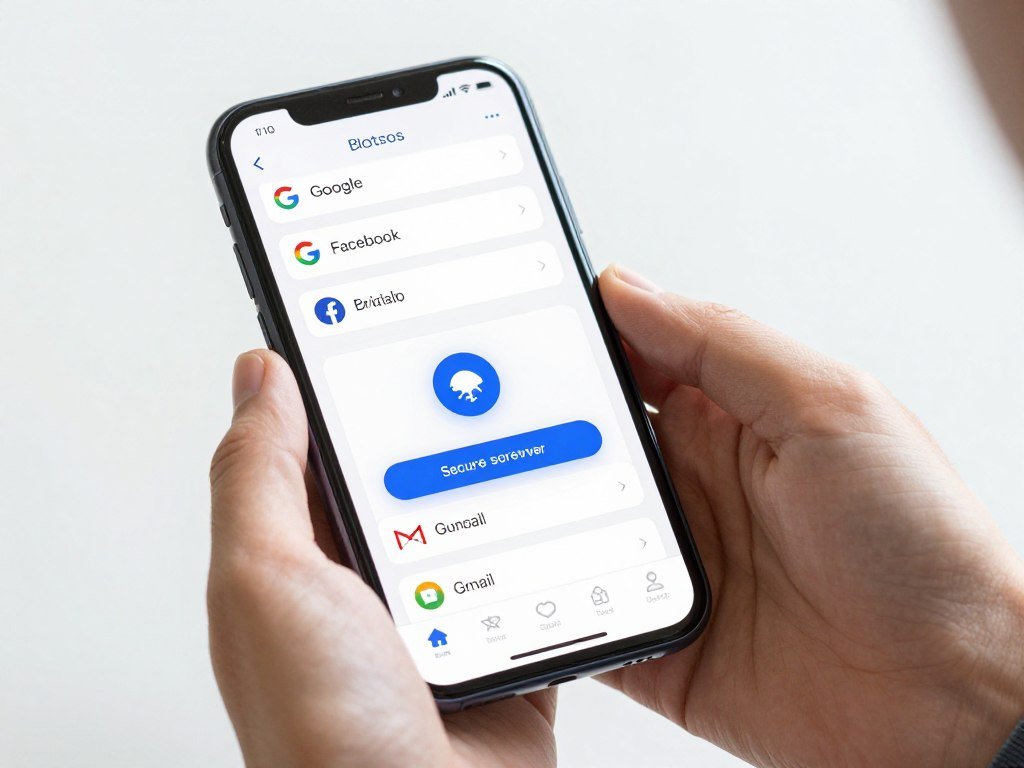
The moment your plane touches down in Beijing, you’ll lose access to services you use every day. Gmail won’t load. Google Maps returns blank screens. Facebook, Instagram, WhatsApp, and Twitter simply don’t work. This isn’t a connection problem. It’s China’s internet censorship system, commonly called the Great Firewall.
The country blocks thousands of foreign websites and apps to control information flow. For travelers, this creates immediate practical problems. You can’t check your email, navigate with familiar map apps, or message friends back home through your usual channels. Even researching restaurants or attractions becomes difficult when Google search is unavailable.
Why VPN Websites Are Blocked in China
Here’s the catch that surprises most first-time visitors. You can’t download VPN apps after you arrive in China. The government blocks VPN provider websites and removes VPN apps from the Chinese App Store. If you wait until landing to solve this problem, you’re stuck without solutions.
A VPN creates an encrypted connection that routes your internet traffic through servers outside China. This allows you to access blocked services as if you were browsing from another country. It’s the single most important tool for maintaining normal internet access during your trip.
Choosing the Right VPN for Beijing Travel
Not all VPN services work reliably in China. The government actively blocks many popular providers. You need a VPN specifically designed to bypass Chinese restrictions. Based on testing from thousands of travelers, ExpressVPN consistently provides the most reliable connection in Beijing and throughout China.
Free VPN Options
- Limited data allowances (typically 500MB to 10GB monthly)
- Slower connection speeds affecting video calls and streaming
- Less reliable at bypassing Chinese restrictions
- May collect and sell your browsing data
- Suitable for short trips with minimal internet needs
Premium VPN Benefits
- Unlimited data for entire trip duration
- Fast speeds supporting video calls and media streaming
- Dedicated servers optimized for China access
- Strong encryption protecting your personal information
- 24/7 customer support if connection issues arise
Get Connected Before You Land
Download ExpressVPN before departure. VPN websites are blocked in China. Get unrestricted access to Gmail, Google Maps, WhatsApp, and all your essential apps throughout your Beijing trip. Includes 30-day money-back guarantee.
We earn a commission if you purchase through our links, at no extra cost to you.
VPN Setup Steps Before Departure
Complete these steps while you still have unrestricted internet access in your home country. The entire process takes about five minutes.
- Visit your chosen VPN provider’s website and create an account
- Select a subscription plan (most offer significant discounts on annual plans)
- Download the VPN app for your phone and laptop
- Install the app and log in with your account credentials
- Test the connection before your trip to ensure it works properly
- Configure the app to connect automatically when you open it
Critical Timing: Download and test your VPN at least one week before departure. Some travelers report needing to contact customer support for China-specific server recommendations. Give yourself time to resolve any issues before you’re relying on the connection in Beijing.
Once installed, your VPN runs in the background. Simply open the app and tap “Connect” whenever you need to access blocked services. The connection typically establishes in ten to fifteen seconds. You’ll then browse the internet as if you were in your home country.
Staying Connected: Mobile Data Solutions for Beijing
Reliable internet access ranks among your highest priorities in Beijing. You’ll need data for navigation, translation, payment apps, and communication. International roaming charges from your home carrier often exceed one hundred dollars for a week-long trip. Smart travelers use alternatives that cost a fraction of that amount.
eSIM: The Fastest Setup Option
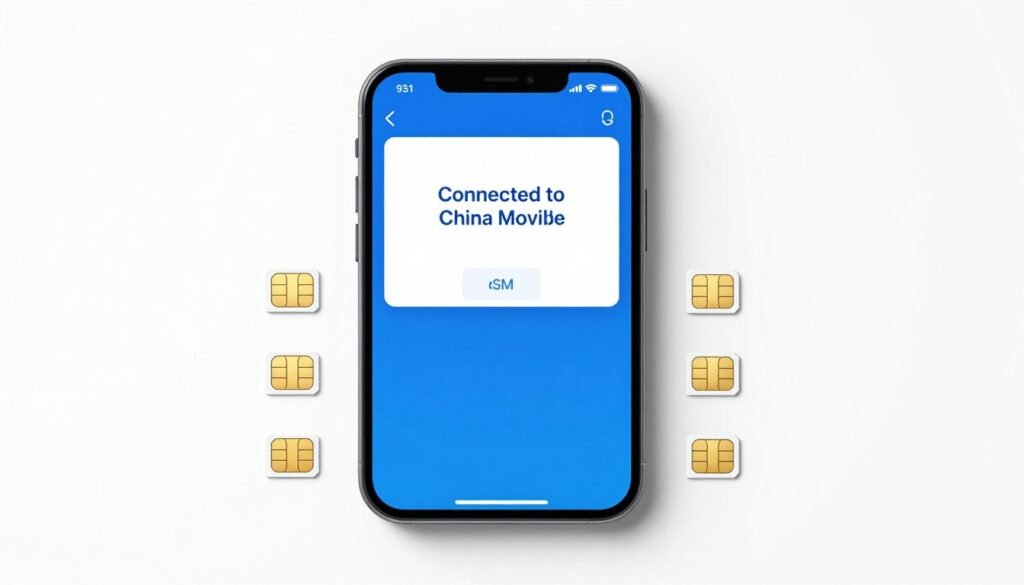
An eSIM provides cellular data without requiring a physical SIM card. You purchase a data plan online, receive a QR code via email, and scan it to activate service on your phone. The entire process happens digitally before you leave home. Once you land in Beijing, your phone automatically connects to local networks.
This technology works with most phones manufactured after 2018, including iPhone XR and newer models, Google Pixel 3 and newer, and Samsung Galaxy S20 and newer devices. Check your phone’s settings under “Cellular” or “Mobile Data” to confirm eSIM compatibility before purchasing.
Cost Comparison: A seven-day China eSIM with 6GB of data costs approximately eight to twelve dollars. The same week of international roaming through major US carriers runs seventy to one hundred twenty dollars. You save over one hundred dollars on a typical two-week trip by using an eSIM instead of roaming.
Physical SIM Cards at Beijing Airport
Beijing Capital International Airport and Daxing International Airport both have mobile carrier kiosks in the arrivals area. You can purchase a tourist SIM card immediately after clearing customs. Plans start around fifteen dollars for seven days with 3GB of data. Staff at these kiosks typically speak basic English and can help with installation.
The main advantage of airport SIM cards is immediate activation without advance planning. The disadvantage is slightly higher cost and time spent locating the kiosk and waiting in line after a long flight. Most travelers find the convenience worthwhile if they forgot to arrange an eSIM beforehand.
Recommended eSIM Providers for China
- Airalo – Largest eSIM marketplace with competitive China pricing
- Holafly – Unlimited data plans ideal for heavy navigation and streaming use
- Nomad – Reliable connection quality, good customer support
- GigSky – Premium service with excellent coverage in major cities
Skip Expensive Roaming Fees
Activate your China eSIM before takeoff and land connected. Save over $100 compared to international roaming charges.
Free Wi-Fi in Beijing
Most hotels, cafes, restaurants, and shopping malls offer free Wi-Fi to customers. However, connection quality varies significantly. Some venues require a Chinese phone number for authentication via SMS code. This creates a chicken-and-egg problem for travelers who need data to obtain a local number.
Beijing’s subway system provides free Wi-Fi at many stations, but the connection is often too slow for practical use during rush hours. Consider Wi-Fi a convenient backup rather than your primary internet access strategy. Having your own mobile data gives you consistent, reliable connectivity throughout the day.
WeChat Pay Setup: Your Digital Wallet for Beijing
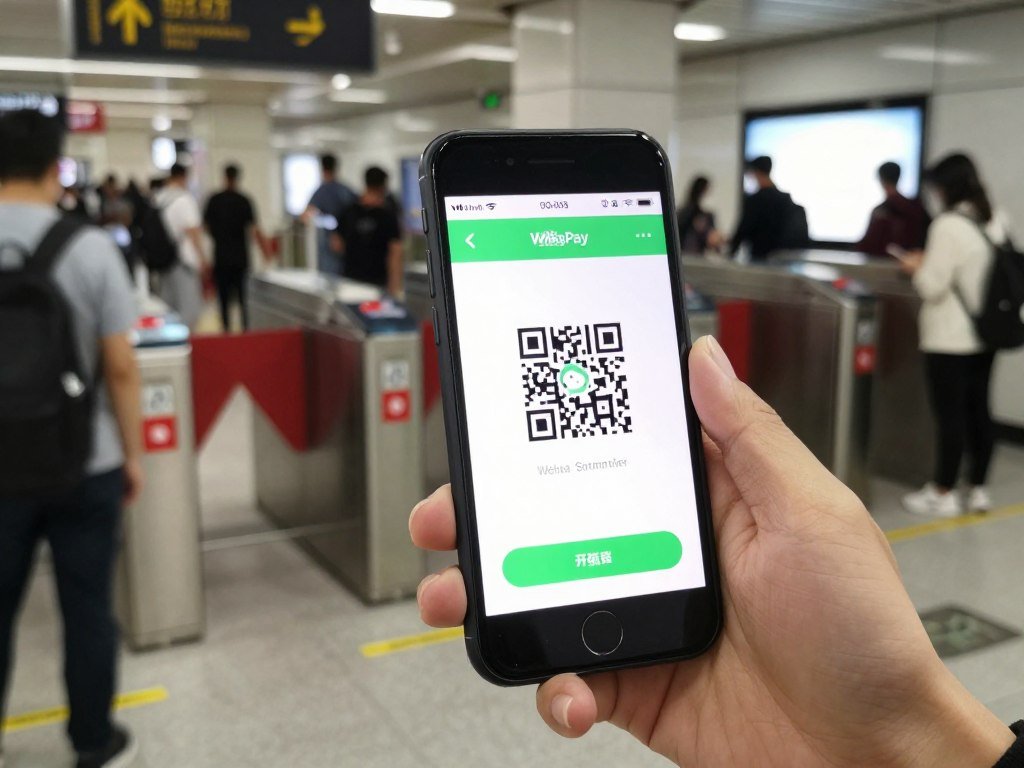
WeChat Pay dominates Beijing’s cashless economy alongside Alipay. This payment app integrates into WeChat, China’s most popular messaging app with over one billion users. You’ll use WeChat Pay dozens of times daily for metro tickets, restaurant bills, taxi rides, and convenience store purchases. Setting it up properly before arrival saves enormous frustration.
How to Use Alipay in China as a Foreigner
WeChat recently simplified foreign visitor access through its international version. You can now link foreign credit cards directly to WeChat Pay without requiring a Chinese bank account. This process takes approximately ten minutes and works with Visa, Mastercard, American Express, Discover, Diners Club, and JCB cards.
The app places some limitations on foreign card usage. You can add up to five foreign credit cards to your account. Each card has a transaction limit of five thousand yuan (approximately seven hundred dollars) per day. For most travelers, these limits create no practical issues during typical vacation spending.
Setup WeChat Pay Foreign Credit Card: Step-by-Step Instructions
- Download WeChat from your phone’s app store (available for iOS and Android)
- Open the app and tap “Sign Up” to create a new account
- Enter your phone number and verify via SMS code
- Set a password and complete the registration process
- Tap “Me” in the bottom navigation, then select “Services”
- Choose “Wallet” from the services menu
- Select “Cards” and then tap “Add Card”
- Choose “International Cards” (don’t select Chinese bank card option)
- Enter your credit card number, expiration date, and CVV code
- Provide your billing address exactly as it appears on your card statement
- Complete the identity verification by uploading a passport photo
- Wait for approval (typically takes one to three hours)
Verification Tips: WeChat requires passport verification for foreign cards. Take a clear, well-lit photo of your passport information page. Make sure all text is readable and the photo isn’t blurry. Rejection usually happens due to poor image quality, not eligibility issues. You can resubmit immediately with a better photo if initially rejected.
Making Payments with WeChat Pay
Beijing merchants use two payment methods. Some display a static QR code at the counter. You open WeChat, tap “Scan,” and point your camera at their code. Enter the payment amount, confirm, and the transaction completes instantly. Other vendors scan your personal payment code. Open WeChat, tap “Me,” select “Services,” then “Money,” and show them your QR code to scan.
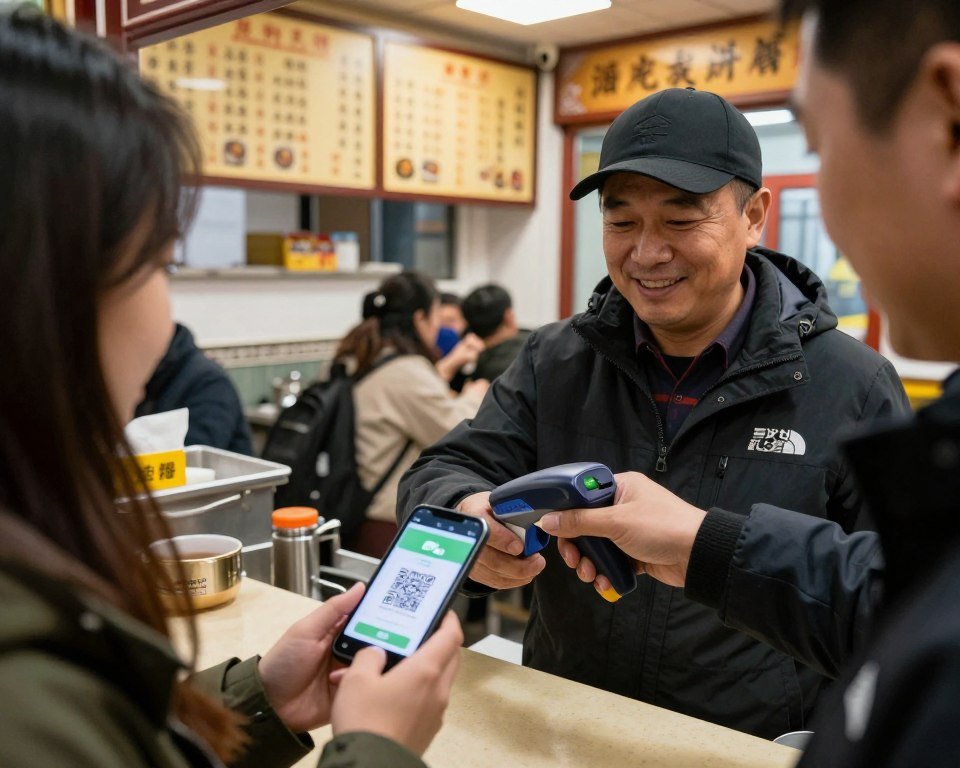
The app automatically converts transactions to your home currency and charges your linked credit card. Exchange rates are competitive and typically better than currency exchange kiosks at airports. Most cards charge a small foreign transaction fee (one to three percent), but some travel-focused credit cards waive these fees entirely.
Common WeChat Pay Setup Problems and Solutions
This usually indicates address format issues. Enter your address exactly as it appears on your card statement, including abbreviations. If your bank uses “St.” instead of “Street,” use “St.” Some travelers succeed by entering addresses in all capital letters, which sometimes improves recognition by Chinese verification systems.
WeChat occasionally flags foreign accounts for security review. Contact WeChat support through the app’s “Help Center” section. Provide your passport number and explain you’re a tourist setting up payment for travel. Support typically resolves these cases within twenty-four hours.
Notify your credit card company before traveling to China. Many banks automatically block foreign transactions from Chinese payment apps as fraud prevention. Call your bank, inform them of your travel dates, and specifically mention you’ll be using WeChat Pay and Alipay for purchases.
Additional WeChat Features for Travelers
Beyond payments, WeChat serves as China’s primary messaging app. Over ninety percent of Beijing residents use it daily for communication. You can message hotels, tour guides, and new local friends through the app. Many restaurants and attractions share contact information as WeChat IDs rather than phone numbers.
The app includes built-in translation features. Tap and hold messages to translate them instantly. This works for restaurant menus, shopping inquiries, and navigation help. The translation quality handles basic communication effectively, though it struggles with complex topics or regional slang.
Alipay for Foreigners: Alternative Payment Solution
Alipay operates as WeChat Pay’s primary competitor in China’s mobile payment market. Both apps are widely accepted throughout Beijing. Most merchants display both logos at their payment counters. Having both apps installed provides backup options if one experiences technical issues or card problems during your trip.
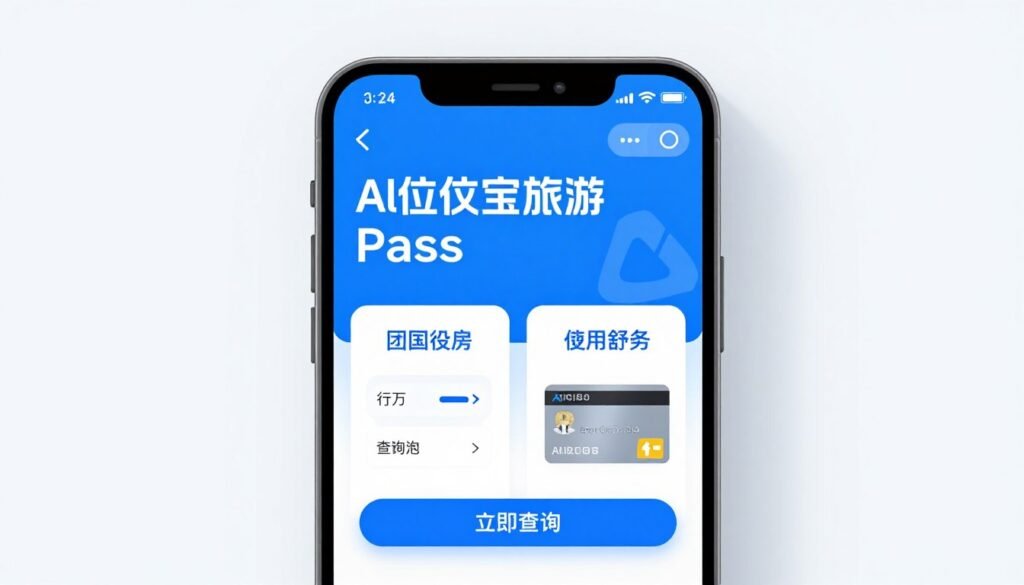
How to Use Alipay in China as a Foreigner
Alipay launched “Tour Pass” specifically for international visitors. This feature allows linking foreign credit cards without Chinese bank accounts or local phone numbers. The setup process resembles WeChat Pay but includes some different requirements and limitations that travelers should understand.
Tour Pass accepts major international credit cards including Visa, Mastercard, JCB, Diners Club, and Discover. The service charges a five percent service fee on all transactions, which is significantly higher than WeChat Pay’s standard credit card processing fees. This makes Alipay slightly more expensive for the same purchases.
Alipay Tour Pass Setup Instructions
- Download Alipay app from your device’s app store
- Open the app and select “Tour Pass” from the home screen
- Tap “Activate Now” to begin the setup process
- Enter your mobile phone number (international numbers accepted)
- Verify your number through the SMS code sent to your phone
- Upload a photo of your passport for identity verification
- Take a selfie for facial recognition matching to your passport photo
- Wait for approval (usually processes within thirty minutes to two hours)
- Once approved, tap “Add Payment Method” in Tour Pass
- Select “International Card” and enter your credit card details
- Provide your billing address and cardholder name
- Complete the bank verification step (small authorization charge)
- Confirm your card is active and ready for use
Tour Pass Expiration: Alipay Tour Pass accounts automatically expire ninety days after activation. You’ll need to reactivate the service for future trips to China. Any unused balance in your account gets refunded to your original card within seven to fourteen business days after expiration.
Loading Money into Tour Pass
Tour Pass works differently than WeChat Pay. Instead of charging purchases directly to your card, you pre-load money into a Tour Pass balance. You can add funds in increments from one hundred to two thousand yuan. The app displays your balance in both yuan and your home currency for easy tracking.
This prepaid system provides better spending control during your trip. You decide how much to allocate for mobile payments versus keeping money in other forms. However, it requires monitoring your balance and reloading when funds run low, which adds an extra step compared to WeChat Pay’s direct charging.
WeChat Pay Advantages
- No transaction fees on foreign cards (only standard credit card foreign transaction fees)
- Direct charging to card means no balance management
- Integrated with China’s most popular messaging app
- Higher daily transaction limits for foreign cards
- Built-in translation for merchant communication
Alipay Advantages
- Slightly wider acceptance at some smaller vendors
- Better integration with train ticket booking services
- Prepaid balance system helps control spending
- Cleaner, more intuitive interface for payment
- Strong rewards program for frequent users
Using Both Payment Apps Strategically
Most experienced Beijing travelers keep both WeChat Pay and Alipay installed and funded. Use WeChat Pay as your primary payment method to avoid the five percent Tour Pass fee. Keep Alipay as backup for situations where merchants only accept one system or when you experience technical issues with your primary app.
Some specific Beijing services work better with Alipay. The Beijing subway’s official app integrates more smoothly with Alipay for purchasing metro passes. Several popular food delivery platforms offer better deals when paying through Alipay. Having both apps maximizes your access to discounts and promotions throughout your trip.
Navigation Without Google: Offline Maps for Beijing
Google Maps doesn’t function in China, even with a VPN. The service lacks proper licensing for Chinese mapping data, resulting in inaccurate locations and missing streets. You need alternative navigation apps that work reliably in Beijing’s complex urban environment. The right map app becomes your most frequently used tool after payment apps.
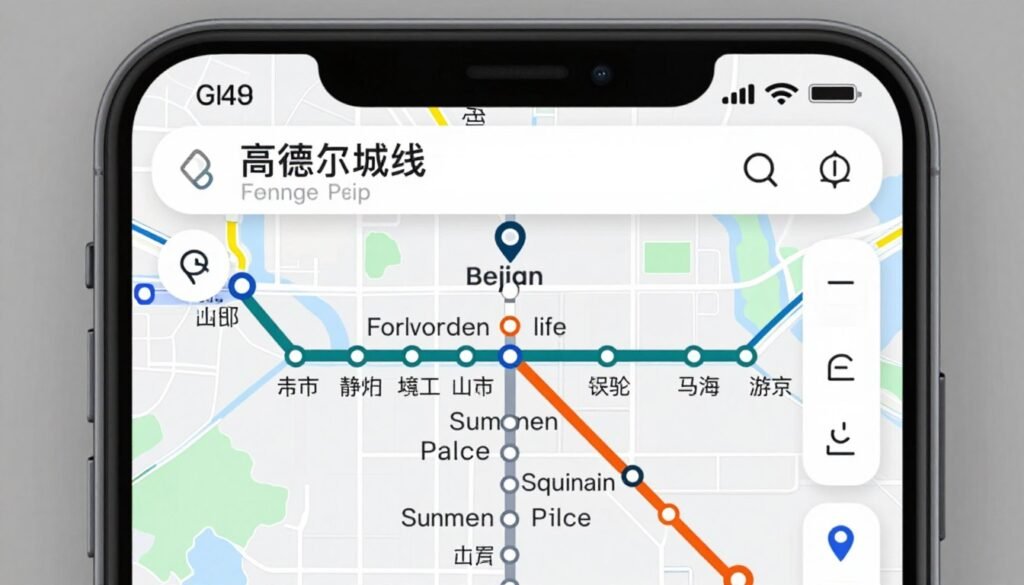
GaoDe Maps English Guide: Best Option for Beijing
GaoDe Maps (also called Amap) serves as China’s most accurate navigation app with over four hundred million active users. The app includes comprehensive English language support, making it accessible for international travelers. GaoDe provides detailed transit information, walking directions, cycling routes, and driving navigation throughout Beijing.
The app’s standout feature is real-time public transportation tracking. You can see exactly when the next bus arrives at your stop and plan metro journeys with precise transfer instructions. This functionality proves invaluable in a city where most attractions require combining different transport methods to reach efficiently.
Downloading and Setting Up GaoDe Maps
- Download GaoDe Maps from your app store before leaving your home country
- Open the app and tap the profile icon in the upper right corner
- Select “Settings” from the menu options
- Choose “Language” and switch to “English” for the interface
- Return to settings and enable “Offline Maps”
- Search for “Beijing” in the offline maps section
- Download the complete Beijing map package (approximately 800MB)
- Download packages for any other cities you plan to visit
- Allow location services when prompted for GPS functionality
- Test the app while still connected to Wi-Fi to ensure it works properly
Offline Map Size: The complete Beijing offline map requires about 800MB of storage space. Download it while connected to Wi-Fi before your trip. Once downloaded, the map functions perfectly without any internet connection, saving your mobile data for other essential services throughout the day.
Using GaoDe Maps for Beijing Transit
Beijing’s subway system includes twenty-seven lines covering over four hundred fifty miles of track. GaoDe Maps displays the entire network with English station names. Enter your destination and the app calculates the fastest route, shows transfer points, estimates travel time, and indicates which exit to use at your destination station.
The app also covers Beijing’s extensive bus network. Tap any bus stop to see all routes serving that location with real-time arrival predictions. This feature helps you choose between waiting for a specific bus or walking to a nearby metro station based on current service conditions.

Maps.me provides an excellent secondary navigation tool that works entirely offline. The app uses OpenStreetMap data and doesn’t require any internet connection after initial installation. Download it as backup insurance against situations where GaoDe Maps experiences issues or when you’re in areas with no mobile signal.
Maps.me excels for walking navigation through Beijing’s historic neighborhoods. The app shows detailed pedestrian paths through hutongs (traditional alleyways), park trails, and shopping districts. It marks points of interest including restaurants, hotels, ATMs, and tourist attractions with crowd-sourced reviews and photos.
Baidu Maps as Alternative
Baidu Maps ranks as another popular Chinese navigation app with strong Beijing coverage. The interface is less foreigner-friendly than GaoDe, with limited English translation in some features. However, it often provides more detailed business listings and user reviews for restaurants and shops.
Consider Baidu Maps if you’re comfortable with Chinese characters or plan to use translation apps alongside navigation. The app integrates well with other Baidu services including food delivery and ride-hailing, creating a more comprehensive ecosystem for daily activities during extended Beijing stays.
- Download Beijing Subway app for detailed station maps showing exit locations
- Check the last train time before evening activities (typically 11:00 PM to midnight)
- Use Exit Finder in GaoDe to determine which station exit puts you closest to your destination
- Purchase a rechargeable Yikatong card at any subway station for convenient payment
- Allow extra time during rush hours (7:30-9:00 AM and 5:30-7:30 PM)
- Enable GPS before opening your map app to speed up initial location detection
- Download offline maps for areas you plan to explore on foot
- Screenshot important addresses in Chinese characters to show locals if needed
- Mark your hotel in your map app immediately after checking in
- Beijing uses a grid system in central areas making orientation relatively straightforward
Getting Around: Transportation and Ride-Hailing Apps
Beijing’s transportation network combines metro, buses, taxis, and ride-sharing services into one of the world’s most comprehensive urban transit systems. Navigating this network efficiently requires understanding which apps locals use for different transport modes. The right combination saves time, money, and reduces the stress of language barriers.
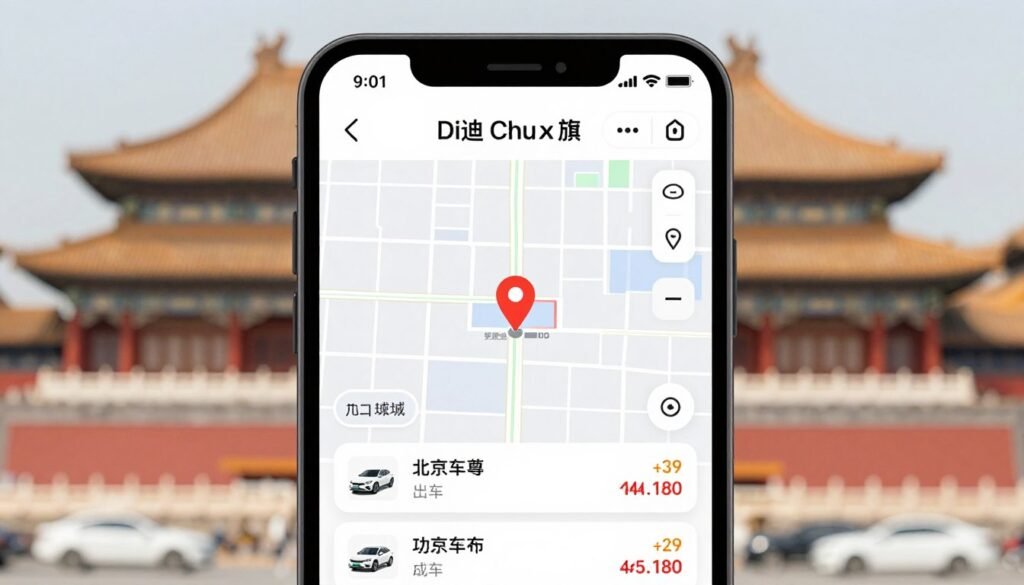
Didi Chuxing: China’s Ride-Hailing Giant
Didi Chuxing dominates Beijing’s ride-hailing market with the same market position Uber holds in Western countries. The app offers multiple service tiers from budget-friendly shared rides to premium vehicles. All pricing appears upfront before you confirm your booking, eliminating negotiation and potential tourist overcharging issues.
The app includes an English version that makes ride booking straightforward for foreign visitors. You can link your WeChat Pay or Alipay account for seamless payment. Drivers receive your destination automatically through the app, solving the language barrier problem that makes traditional taxis challenging for non-Chinese speakers.
Setting Up Didi with Foreign Phone Number
- Download Didi Chuxing from your phone’s app store
- Open the app and select “English” as your language preference
- Enter your international mobile phone number (include country code)
- Verify your number through SMS code confirmation
- Link your WeChat Pay or Alipay account for payments
- Add your hotel address as a saved location for easy pickup requests
- Enable location services for automatic pickup point detection
Didi Registration Note: Some travelers report difficulty registering with foreign numbers during peak tourist seasons. If registration fails, try using a Chinese phone number from your hotel’s front desk or tour guide. Many Beijing hotels assist guests with Didi registration as a standard service.
Beijing Subway Official App
The Beijing Subway app provides the official transit system’s route planner, real-time service updates, and mobile payment integration. You can purchase virtual metro cards directly in the app and scan QR codes at station gates instead of using physical tickets. This eliminates ticket machine queues during busy travel times.
The app displays current service disruptions, planned maintenance, and schedule changes. Beijing’s subway occasionally closes sections for construction or adjusts operating hours during major events. Checking the official app before heading to stations prevents wasted trips when your planned route is temporarily unavailable.
High-Speed Train Ticket Booking
Beijing serves as a major hub for China’s extensive high-speed rail network. Day trips to cities like Tianjin, Qinhuangdao, and even Shanghai become feasible via bullet trains. Trip.com and Ctrip apps offer English-language interfaces for booking train tickets with foreign credit cards, avoiding the complexity of Chinese railway websites.
Book popular routes several days in advance, especially for weekend travel or Chinese holidays. High-speed trains sell out quickly during peak times. The booking apps show real-time seat availability and allow you to select specific seats, car numbers, and service classes based on your preferences and budget.
Breaking Language Barriers: Translation and Communication Apps
English proficiency in Beijing varies dramatically by district and age group. Tourist areas like Sanlitun and the Forbidden City have many English speakers. Residential neighborhoods and local restaurants often have no English menu or staff who speak the language. Translation apps bridge this gap and enable interactions that would otherwise be impossible.

Google Translate Offline Mode
Google Translate doesn’t work online in China without a VPN due to Google service blocks. However, the app’s offline mode functions perfectly after downloading the Chinese language pack before your trip. This provides basic translation without requiring internet access or VPN connection during use.
Download the offline Chinese language pack while still in your home country. The file size is approximately fifty megabytes. Once installed, you can translate text, take photos of signs or menus for instant translation, and even have basic spoken conversations using the app’s conversation mode features.
Pleco: The Best Chinese Dictionary App
Pleco combines a comprehensive Chinese-English dictionary with character recognition technology. Point your phone’s camera at any Chinese text and the app instantly shows English definitions. This proves invaluable for reading restaurant menus, understanding store signs, and deciphering product packaging at supermarkets.
The app includes detailed example sentences showing how words are used in context. This helps you understand the difference between similar terms and construct more accurate phrases when communicating with locals. Pleco also offers handwriting recognition for looking up characters you see but can’t type.
Essential Translation Features
- Camera translation for menus and signs (available offline with Google Translate)
- Conversation mode for back-and-forth spoken translation
- Handwriting input for looking up characters you see but can’t type
- Voice input for translating spoken Chinese you hear
- Saved phrases and favorites for frequently used expressions
Common Phrases to Save
- “Where is the bathroom?” (Cèsuǒ zài nǎlǐ?)
- “How much does this cost?” (Zhège duōshao qián?)
- “I don’t eat meat/spicy food” (Wǒ bù chī ròu/là de)
- “Can you write it down?” (Nǐ néng xiě xiàlái ma?)
- “Please call a taxi” (Qǐng bāng wǒ jiào chūzū chē)
Microsoft Translator Alternative
Microsoft Translator provides another excellent offline translation option that works in China without VPN access. The app includes conversation mode with split-screen display, making it ideal for back-and-forth discussions. Both participants can see translations in real-time, improving communication flow and reducing misunderstandings.
The photo translation feature in Microsoft Translator sometimes provides more accurate results than Google Translate for complex menu items or technical product descriptions. Having both apps installed gives you comparison options when one produces unclear translations for specific phrases.
WeChat’s Built-in Translation
WeChat includes translation features integrated directly into its messaging interface. Tap and hold any message to see the “Translate” option. This works for text you receive from Chinese contacts, making it easy to understand hotel confirmations, tour guide instructions, or friend messages without switching to a separate app.
The translation quality handles everyday communication effectively but struggles with idioms, slang, and culturally specific references. For important messages like booking confirmations or medical information, verify translations with a dedicated translation app to ensure accuracy of critical details.
Food, Shopping, and Booking: Essential Service Apps
Beijing’s service economy operates primarily through mobile apps. Ordering food delivery, booking hotels, reserving restaurant tables, and purchasing attraction tickets all happen faster and cheaper through dedicated apps than traditional methods. Understanding which platforms locals trust saves money and provides access to services not advertised to walk-in customers.
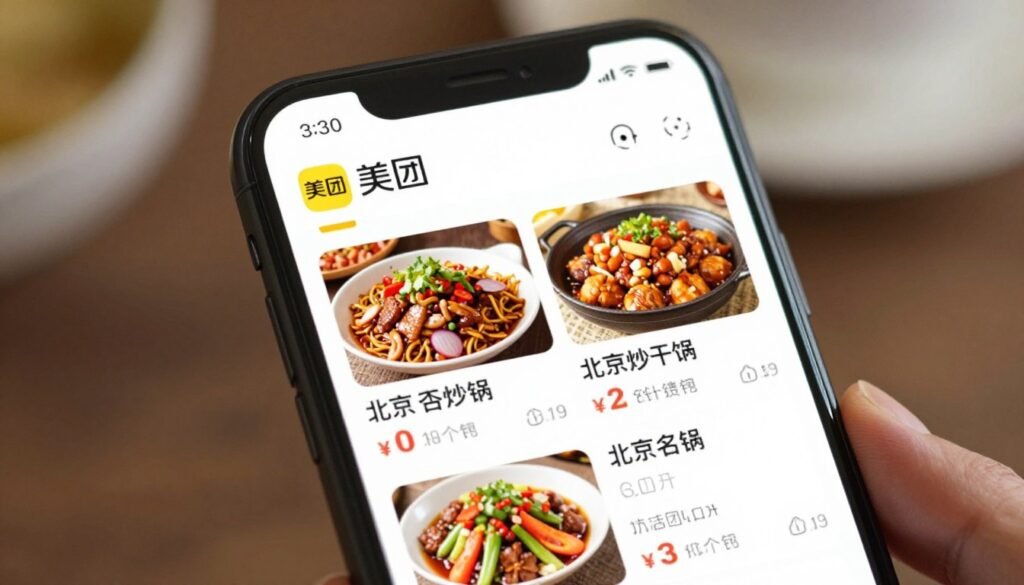
Meituan and Ele.me: Food Delivery Giants
These two apps dominate Beijing’s food delivery market with combined coverage of nearly every restaurant in the city. Both offer English interfaces and accept WeChat Pay or Alipay payments. You can order meals to your hotel, parks, office buildings, or even historical sites during long sightseeing days.
Delivery fees typically range from three to eight yuan (about one dollar) depending on distance and time of day. Many restaurants offer app-exclusive discounts of twenty to forty percent off menu prices. The savings often exceed what you’d pay eating at the restaurant directly, even after adding delivery fees and tips.
Booking Hotels and Experiences
Trip.com (formerly Ctrip) provides comprehensive booking services for hotels, tours, attraction tickets, and train tickets with full English support and foreign payment card acceptance. The platform often offers better rates than booking directly with hotels, especially for international chain properties in Beijing.
The app includes detailed user reviews in English, verified photos from recent guests, and transparent pricing with all taxes and fees displayed upfront. Customer service responds quickly to booking issues and can arrange special requests like airport pickup, early check-in, or dietary accommodations at partner hotels.
Apps for Food and Dining
- Meituan – Largest selection of restaurants, best for delivery
- Ele.me – Owned by Alibaba, integrates with Alipay discounts
- Dianping – Restaurant reviews and reservations (Chinese Yelp)
- KFC/McDonald’s apps – English menus, mobile ordering, delivery
Apps for Attractions and Tickets
- Trip.com – Attraction tickets, tours, hotel booking
- Klook – Activities, experiences, skip-the-line tickets
- GetYourGuide – English tours, day trips from Beijing
- Official venue apps for Forbidden City, Summer Palace advance booking
Shopping Apps for Beijing
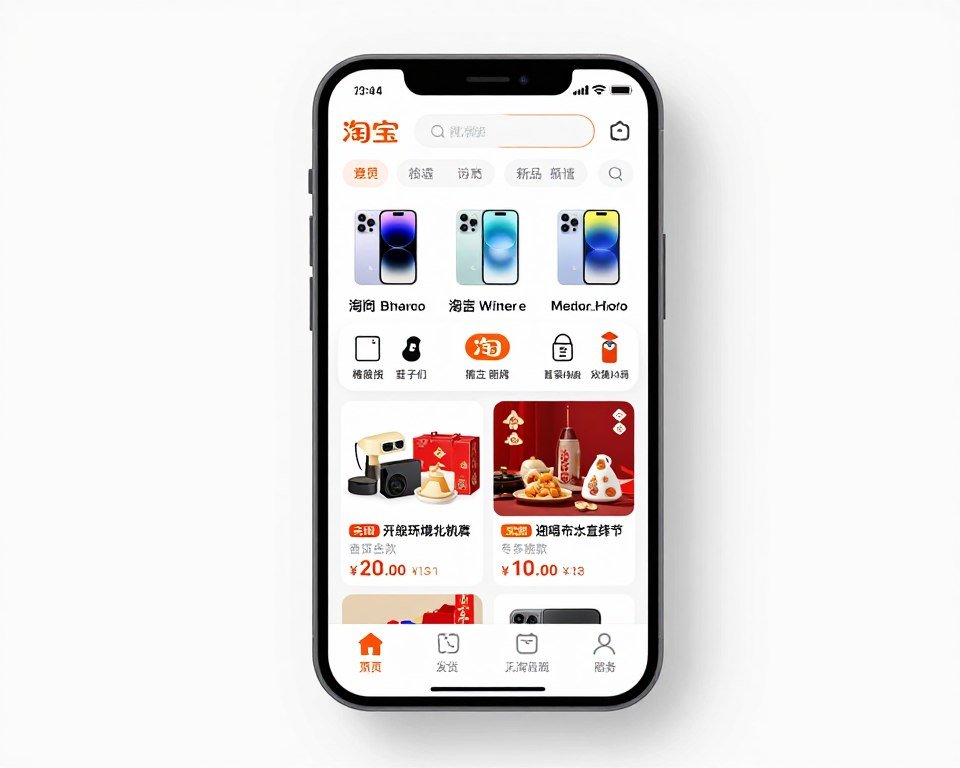
Taobao and JD.com serve as China’s equivalent to Amazon. Both apps offer English interfaces, though product descriptions may still appear in Chinese. You can purchase almost anything and have it delivered to your hotel, from forgotten phone chargers to Chinese snacks to bring home as gifts.
Delivery typically arrives within twenty-four to forty-eight hours in Beijing. Some items offer same-day delivery if ordered before noon. Prices on these platforms often cost thirty to fifty percent less than physical stores, even accounting for shopping tourism markups in popular retail districts.
Dianping for Restaurant Discovery
Dianping operates as China’s most popular restaurant review platform, similar to Yelp in Western countries. The app helps you find highly-rated local restaurants that don’t cater to tourists. Search by cuisine type, price range, and distance from your location to discover authentic Beijing dining experiences.
The app includes a “translate” function on reviews, though translations can be rough. Look at photo reviews to see actual dishes served, portion sizes, and restaurant ambiance. Star ratings are generally reliable, with four-plus stars indicating consistent quality worth seeking out during your visit.
Additional Essential Apps for Beijing Travelers
Beyond payment, navigation, and communication, several other apps significantly improve your Beijing experience. These tools address specific situations you’ll encounter repeatedly during your trip. Having them installed before departure means you’re prepared for challenges rather than scrambling to find solutions when problems arise.
Air Quality Monitoring Apps
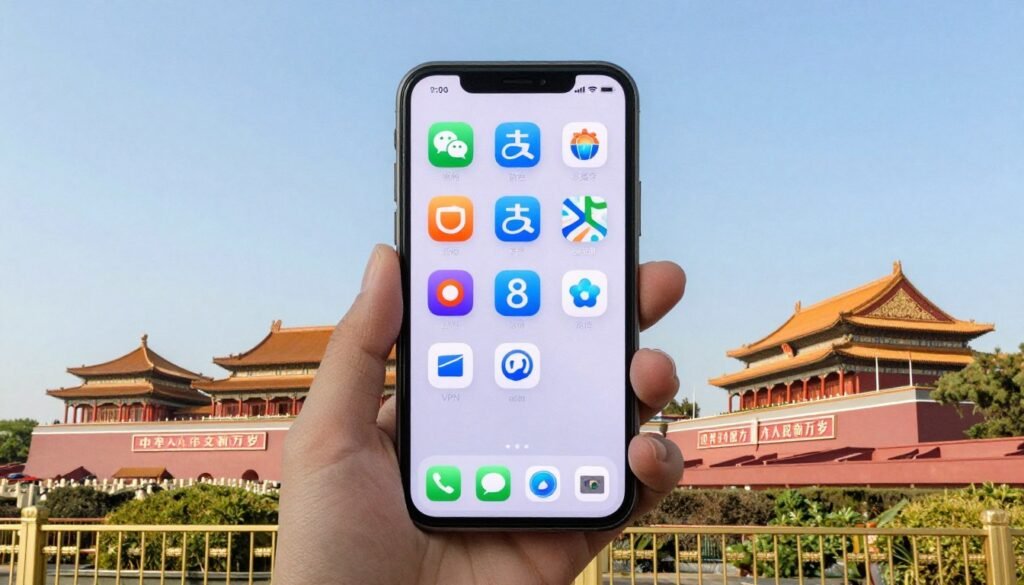
Beijing’s air quality varies significantly by season and weather conditions. Winter months often experience higher pollution levels due to heating systems. The AQI (Air Quality Index) app provides real-time pollution data and health recommendations for outdoor activities based on current conditions.
The app alerts you when pollution reaches unhealthy levels, suggesting you postpone outdoor exercise or wear protective masks. This information helps you plan sightseeing days strategically, visiting indoor attractions like museums during poor air quality and saving outdoor sites like the Summer Palace for clearer weather days.
XiaoHongShu: Discovering Local Experiences
XiaoHongShu (Little Red Book) serves as China’s Instagram-meets-Pinterest social platform. The app is invaluable for discovering trendy cafes, hidden restaurants, shopping recommendations, and photo spots that don’t appear in traditional guidebooks. Many posts include detailed location information and tips in both Chinese and English.
Search for “Beijing travel” or specific neighborhood names to find recent posts from both locals and tourists. The visual nature of the platform makes it easy to understand recommendations even when dealing with language barriers. Save posts for places you want to visit and show them to taxi drivers or hotel staff for directions.
Currency Converter Apps
While payment apps show conversions, a dedicated currency calculator helps you quickly evaluate prices while shopping or dining. XE Currency works offline after initial setup, allowing you to check real exchange rates without using data. The app supports over one hundred fifty currencies for travelers visiting multiple countries.
Understanding the approximate dollar value of prices reduces the mental math required throughout your trip. This proves especially helpful at markets where negotiating prices is expected. Knowing that 200 yuan equals about twenty-eight dollars helps you decide whether a scarf is reasonably priced or overpriced for tourists.
Weather and Environment Apps
- China Air Quality Index – Real-time pollution monitoring
- Weather Underground – Accurate Beijing weather forecasts
- Windy – Wind and temperature maps for planning outdoor activities
- UV Index – Sun exposure tracking for summer visits
Lifestyle and Discovery Apps
- XiaoHongShu – Local recommendations and trending spots
- Douyin (Chinese TikTok) – Discover viral food and attractions
- SmartShanghai – Event listings (has Beijing section)
- Timeout Beijing – English event and restaurant guide
Emergency and Safety Apps
Download the SOS China app which provides emergency contact numbers, hospital locations, embassy information, and basic emergency phrases in Chinese. The app works offline, ensuring access to critical information even without internet connection during actual emergencies.
Add the Tourist Hotline number (12301) to your contacts before arriving. This government service provides English language support for tourist complaints, emergencies, and general assistance. Representatives can help with issues ranging from taxi disputes to lost passports to hotel problems.
Emergency Numbers in Beijing: Police (110), Ambulance (120), Fire (119), Tourist Complaint Hotline (12301). All services have some English-speaking operators available, though response quality varies. Having your hotel’s business card with Chinese address helps emergency responders locate you quickly if needed.
Note-Taking Apps for Travel Organization
Google Keep and Microsoft OneNote both function in China and sync across devices when connected to VPN. Use them to store hotel addresses in Chinese, important QR codes for payments, restaurant recommendations, and daily itineraries. Having critical information in a searchable app prevents the panic of lost paper notes.
Take screenshots of important booking confirmations, train tickets, and attraction entry codes. Organize them in dedicated folders within your note-taking app. This creates a backup system if you lose phone signal, run out of battery on one device, or need to access information quickly without searching through email.
Complete Pre-Departure Digital Setup Checklist
Successful Beijing navigation starts with systematic preparation while you still have unrestricted internet access. This comprehensive checklist ensures you’ve completed every critical setup step before departure. Print this list or save it to your notes app for reference during your preparation week.

One Week Before Departure
- Subscribe to VPN service (ExpressVPN recommended)
- Download VPN app on phone and laptop
- Test VPN connection and ensure it works properly
- Purchase eSIM or plan to buy physical SIM at airport
- Activate eSIM and verify it’s ready for use in China
- Download eSIM provider’s app for data management
Connectivity Setup
- Download WeChat and create account
- Link foreign credit card to WeChat Pay
- Complete passport verification for WeChat Pay
- Download Alipay and activate Tour Pass
- Link foreign credit card to Alipay Tour Pass
- Load initial balance into Tour Pass (200-500 yuan)
- Notify credit card company about China travel dates
Payment Apps
- Download GaoDe Maps (Amap)
- Switch GaoDe interface to English language
- Download Beijing offline map package (800MB)
- Download Maps.me as backup navigation
- Download offline maps for any other cities you’ll visit
- Save hotel address in map apps favorites
- Test GPS functionality in offline mode
Three Days Before Departure
- Download Didi Chuxing ride-hailing app
- Create Didi account with English interface
- Link payment method to Didi account
- Download Beijing Subway official app
- Download Trip.com or Ctrip for train tickets
- Book any planned high-speed train trips
Transportation Apps
- Download Google Translate app
- Download Chinese offline language pack (50MB)
- Download Pleco dictionary app
- Download Microsoft Translator as backup
- Save common phrases in translation app favorites
- Test camera translation feature offline
Communication Apps
- Download Meituan or Ele.me for food delivery
- Download Trip.com for hotels and attractions
- Download XiaoHongShu for local recommendations
- Download air quality monitoring app
- Download currency converter (XE Currency)
- Download emergency SOS China app
Service and Booking Apps
Day Before Departure
- Verify VPN connects successfully on all devices
- Confirm eSIM is activated and ready for use
- Test WeChat Pay with small transaction or check card is linked
- Verify Alipay Tour Pass has loaded balance
- Check all offline maps downloaded completely
- Screenshot hotel address and confirmation in Chinese
- Save embassy contact information and tourist hotline number
- Backup phone data in case of loss or theft
- Charge portable battery pack for phone charging on-the-go
- Print physical copies of important booking confirmations
Battery Management: Bring a high-capacity portable charger (20,000mAh minimum). Running VPN, maps, translation apps, and payment apps simultaneously drains phone batteries quickly. Many Beijing travelers charge their phones two to three times daily during heavy sightseeing. A portable battery pack ensures you never lose access to essential apps at critical moments.
First Hour After Landing in Beijing
- Turn off airplane mode and verify mobile data connection
- Connect to VPN before accessing any blocked services
- Send test message home to confirm communication works
- Open GaoDe Maps and verify GPS location detection
- Test WeChat Pay or Alipay with small purchase if possible
- Take photo of airport taxi queue number for reference
- Screenshot hotel address to show taxi driver
- Check air quality index and plan accordingly
Airport SIM Card Option: If you didn’t arrange an eSIM before departure, purchase a physical SIM card immediately after clearing customs. Look for China Mobile, China Unicom, or China Telecom kiosks in the arrivals hall. Tourist packages start around 80 yuan for seven days with adequate data. Bring your passport as it’s required for SIM card registration.
Common Technical Issues and Solutions
Even with thorough preparation, technical issues occasionally arise when using Chinese apps and services as a foreigner. Understanding common problems and their solutions prevents minor inconveniences from derailing your trip. Most issues have straightforward fixes once you know where to look.

VPN Connection Problems
VPNs occasionally fail to connect due to China’s ongoing efforts to detect and block VPN traffic. If your primary server doesn’t work, try switching to a different server location. Many VPN providers offer specific “China-optimized” servers that use advanced obfuscation techniques to avoid detection.
ExpressVPN users should try servers in Hong Kong, Japan, or Los Angeles as these typically maintain reliable connections from Beijing. Connect before attempting to access blocked services rather than trying to load blocked sites first and then enabling VPN afterward. The pre-connection approach prevents triggering firewall detection systems.
Payment App Transaction Failures
When WeChat Pay or Alipay transactions fail, the issue usually stems from credit card authorization rather than the app itself. Check that your bank hasn’t flagged the transaction as suspicious. Call your credit card company’s international number (printed on the back of your card) to confirm they’re not blocking Chinese merchant codes.
Some merchants have minimum or maximum transaction limits for foreign payment methods. Very small purchases under ten yuan or very large purchases over several thousand yuan may require cash or Chinese bank cards. Ask if the merchant accepts split payments, allowing you to combine mobile payment for most of the amount with cash for the remainder.
Go to phone settings, select Location Services, and ensure they’re enabled for your map apps. Choose “While Using App” or “Always” permission. If location still doesn’t work, restart your phone. Beijing’s tall buildings sometimes interfere with GPS signals. Step outside to open areas for initial location lock, then GPS typically maintains the signal when you return to covered areas.
Some Beijing locations restrict ride-hailing pickups due to traffic regulations. Didi automatically adjusts your pickup point to the nearest legal location. Walk to the suggested pickup spot shown on the map. If the suggested location seems far, manually drag the pin to nearby streets. Major hotels often have designated Didi pickup zones separate from main entrances.
Machine translation struggles with context, idioms, and specialized terminology. For important communications like medical issues or legal documents, seek human translation services. Your hotel concierge can help translate critical information. For restaurant menus, focus on translating individual ingredients rather than full dish names to better understand what you’re ordering.
Running VPN, GPS, and translation apps simultaneously consumes significant power. Enable Low Power Mode in your phone settings. Reduce screen brightness to thirty to forty percent. Close apps running in background that you’re not actively using. Turn off VPN when not accessing blocked services. Carry a portable charger and charging cable everywhere during sightseeing days.
WeChat Account Suspension Issues
WeChat occasionally suspends new foreign accounts as a security measure. This typically happens if you add your card too quickly after registration or if you’re connecting from a VPN IP address that many other users share. Contact WeChat customer support through the app’s Help Center. Provide your passport number and explain you’re a tourist setting up payment for travel.
Support usually resolves these cases within twelve to twenty-four hours. While waiting, use Alipay as your backup payment method. Some travelers successfully avoid this issue by waiting twenty-four hours between creating their WeChat account and attempting to add foreign payment cards, allowing the account to establish legitimate usage patterns first.
Offline Map Data Corruption
Downloaded offline maps occasionally become corrupted, causing apps to crash or display blank screens. Delete the offline map package and re-download it while connected to Wi-Fi. This fixes most offline map issues. If problems persist after re-downloading, try clearing the app’s cache in your phone settings before downloading maps again.
Regular app updates sometimes require re-downloading offline maps to maintain compatibility with the new version. When your map app prompts for updates, install them while connected to Wi-Fi and verify your offline maps still work afterward. Re-download if necessary to ensure continuous navigation capability.
Beijing-Specific Digital Navigation Tips
Beijing presents unique challenges that differ from other Chinese cities. The capital’s size, security measures, and tourist infrastructure require specific approaches to maximize app effectiveness. Understanding these Beijing-specific considerations helps you navigate the city more efficiently than generic China travel advice.

Security Checkpoints and App Access
Beijing’s major tourist attractions including Tiananmen Square, the Forbidden City, and government district buildings require security screening similar to airport security. You’ll pass through metal detectors and bag scanners. Keep your phone accessible as security personnel sometimes request to see it’s functioning normally, not modified for recording equipment.
Some sensitive areas prohibit phone usage entirely. Security guards will ask you to put devices away when entering these zones. Have physical copies or screenshots of attraction tickets rather than relying on showing digital tickets from apps. This prevents access delays when phone usage restrictions prevent you from opening booking apps.
Beijing is organized in concentric ring roads from Second Ring (innermost) to Sixth Ring (outermost). Understanding this system helps you estimate distances and travel times. GaoDe Maps color-codes ring roads making it easy to visualize your location relative to the city center. Most major attractions fall within the Fourth Ring.
Traffic congestion varies dramatically by ring road and time of day. The Third Ring experiences severe congestion during rush hours. Use GaoDe’s real-time traffic overlay (shown in red, yellow, or green) to plan routes avoiding the worst backups. The subway often moves faster than cars during peak hours despite longer walking distances to stations.
Forbidden City and Palace Museum Apps
The Palace Museum (Forbidden City) requires advance ticket booking through their official app or website. Walk-up tickets are rarely available, especially during peak tourist seasons. Download the official Palace Museum app and book tickets three to five days before your planned visit date. The app includes audio tour features in English.
Entry times are strictly enforced. Your ticket specifies a morning or afternoon entry window. Arrive at least thirty minutes before your time slot as security screening creates queues of twenty to forty minutes during busy periods. The app’s interactive map helps you navigate the massive complex and prioritize the most significant halls based on your interests and time available.
Apps for Major Beijing Attractions
- Palace Museum Official App – Forbidden City tickets and audio guide
- Summer Palace Official App – Navigation and historical information
- Great Wall of China App – Section comparison and booking
- Temple of Heaven Official App – Cultural context and self-guided tours
- Beijing Parks Pass App – Multiple attraction discount bundle
Neighborhood-Specific Tips
- Sanlitun – Most English-friendly area, easiest for app payments
- Wangfujing – Tourist shopping street, watch for overpriced vendors
- Hutongs – Narrow alleys, GPS sometimes inaccurate, ask locals
- 798 Art District – Creative zone, many cafes accept foreign cards
- CBD – Business district, premium pricing for all services
Using Apps for Authentic Food Experiences
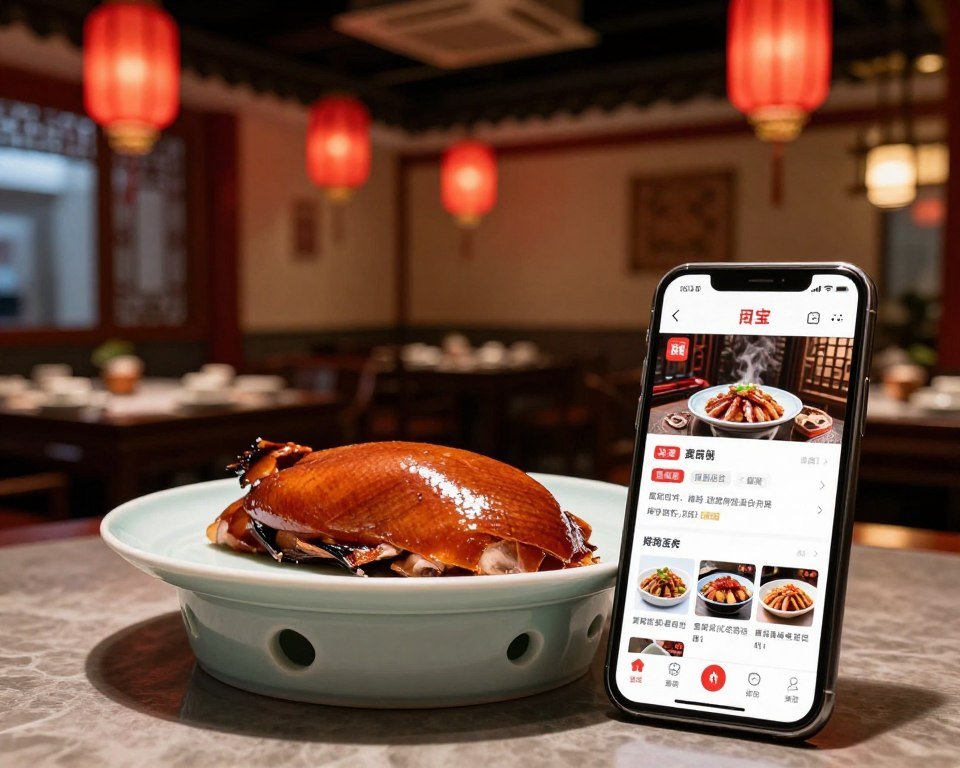
Dianping reveals hidden local restaurants that guidebooks miss. Search for restaurants with four-plus stars and hundreds of reviews. Look at photos to verify they serve authentic Chinese cuisine rather than tourist-adapted versions. Use the translation feature to read what locals praise about each restaurant.
Filter searches by cuisine type to explore regional Chinese specialties. Beijing is home to restaurants representing every Chinese province. Try Xinjiang lamb skewers, Sichuan hot pot, Cantonese dim sum, and Shanghai soup dumplings all in one city. Apps help you find authentic versions of each regional style prepared by chefs from those areas.
Temple and Historical Site Etiquette Apps
Many Beijing temples and historical sites have specific etiquette requirements. Some prohibit photography in certain areas. Others require modest dress covering shoulders and knees. Download the UNESCO World Heritage app which includes detailed visitor guidelines for protected sites throughout Beijing including appropriate behavior, photography restrictions, and cultural sensitivity recommendations.
The app provides historical context making visits more meaningful than simply taking photos. Understanding the significance of each site enhances appreciation for Beijing’s incredible cultural heritage. Many sites offer QR codes at entrances linking to detailed information in multiple languages, combining physical exploration with digital learning.
Your Digital Foundation for Beijing Success
Beijing rewards prepared travelers. The city’s incredible history, vibrant culture, and amazing food become accessible once you overcome the digital barriers. Every app and setup step outlined in this guide solves a specific challenge you’ll face during your trip. Together, they transform what could be a frustrating experience into a smooth, enjoyable adventure.

The most critical actions happen before your flight departs. Download your VPN now while websites are accessible. Set up WeChat Pay and Alipay this week while you can verify your cards work properly. Download offline maps today so you’re not stuck without navigation if your eSIM has issues. These preparations take perhaps two hours total but prevent days of struggle in Beijing.
Remember that technology serves as a tool, not a replacement for human interaction. Use translation apps to communicate with locals. Let map apps guide you to hidden neighborhoods where authentic Beijing life unfolds. Payment apps enable you to shop at markets and eat at family restaurants where credit cards never worked. Each app opens doors to experiences that would otherwise remain closed to foreign visitors.
Beijing is more welcoming to international travelers than ever before. The city actively works to improve foreign visitor access to its digital ecosystem. New features for tourists launch regularly. Payment apps add more foreign bank support. Maps improve English translations. Translation apps become more accurate. Your visit happens at an ideal time when the infrastructure finally supports independent exploration without language barriers or payment limitations.
Start your preparation today. Pick your VPN provider and download the app. Create your WeChat account and begin the verification process. These simple actions set the foundation for everything else. Once payment and connectivity work, navigation, communication, and booking apps all fall into place easily. You’ll land in Beijing ready to explore immediately rather than spending your first days solving basic functionality issues.
The digital survival guide you’ve just read represents tested advice from thousands of Beijing visitors. These aren’t theoretical recommendations but practical solutions that work in real situations. Follow this roadmap and you’ll navigate Beijing as confidently as locals do. Your phone becomes a powerful tool unlocking one of the world’s most fascinating cities. Safe travels, and enjoy your Beijing adventure.
Get Your Complete Beijing Digital Survival Checklist
Download our comprehensive setup checklist with 50+ tested tips for apps, payments, and connectivity in Beijing. Plus get email updates when China changes its digital payment or VPN policies so you’re always prepared for your next visit.
Essential Resources for Your Beijing Trip
Stay Connected in Beijing
Get ExpressVPN with 3 months free on annual plans. Download before departure – VPN sites are blocked in China.
Skip Roaming Fees
Activate your China eSIM for instant connectivity when you land. Save $100+ versus international roaming.